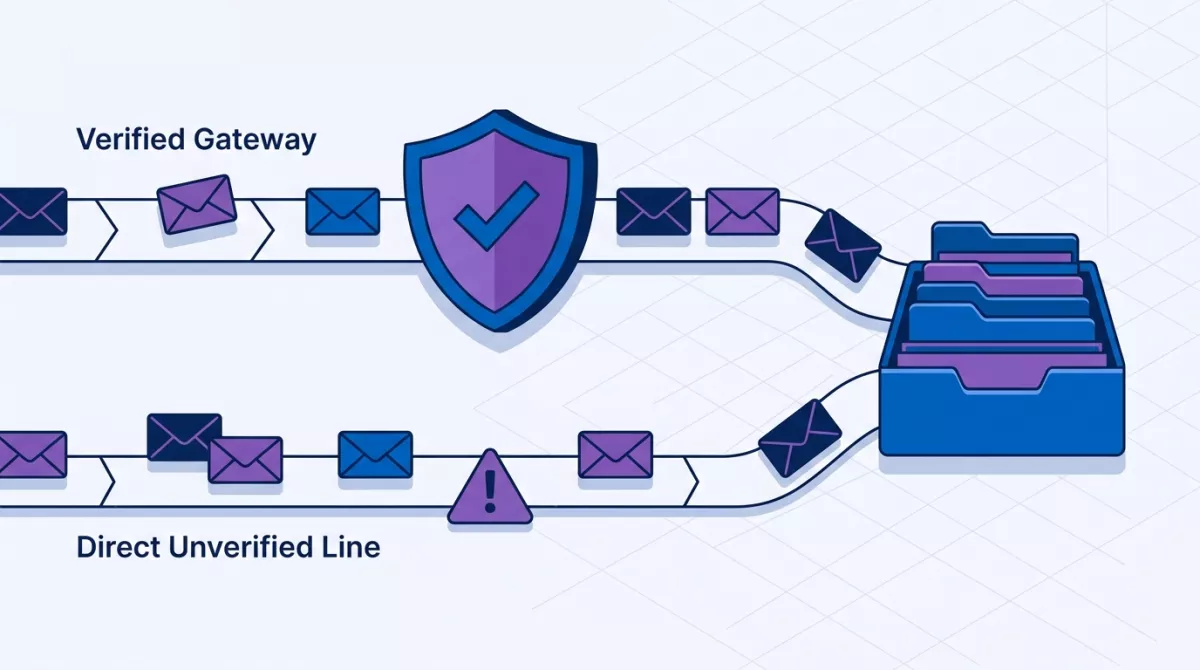




If customers reach you on WhatsApp, Instagram DMs and Messenger, you probably switch between three apps all day. The problem is not the apps. It is that a message sitting in one of them is easy to miss. Here is how to manage WhatsApp, Instagram and Facebook messages in one inbox without making your team's life harder.
Why scattered chats hurt
- A buyer asks about price in the evening and the reply comes the next afternoon.
- Two teammates answer the same person, or nobody does.
- The owner only finds out about stuck chats afterwards.
Five steps to tidy it up
- List every channel customers use to reach you.
- Decide who owns which chats, even if the team is just two people.
- Set a reply-time target you can realistically meet.
- Move all channels into one shared inbox so nothing depends on one person's phone.
- Review unanswered chats at the end of each day.
Where a tool helps
A shared inbox such as cshub brings WhatsApp, Instagram, Messenger, Telegram and website live chat into one screen, lets you assign chats to people, and makes unanswered chats easier to spot. It will not make replies fast by itself, but it makes the problem visible, and that is usually the first step.
Try it without risk
cshub has a free 7-day trial, no credit card needed. Message us on WhatsApp with code ART-CSH-01 and we will help you get started.